Record, cut,
publish on your Mac.
Record every mic on its own track, cut the episode by ticking lines in its transcript, and export chapters, show notes and a publish-ready folder without uploading the audio.
Record several mics at once, one track each, transcribe on your Mac, and cut the episode by ticking transcript lines, with a real preview of every join before a new edited M4A is rendered. Chapters, drafted show notes, audiogram clips and a publish folder with SRT and VTT captions and SHA-256 receipts all come from the same reviewed transcript. Start and stop a take from Siri or a Shortcut.
Silo Cast plays personal voices; it does not make them. Create one in Silo Clone (coming soon, macOS 26), export it as a .silovoice file, and open it here to punch in a corrected line. Captioned video of your own footage, caption styling and caption translation belong to Silo Caption (coming soon, macOS 15); Silo Cast's clips are audiograms of the episode itself.

Own your studio.
Own your tape.
private by defaultA podcast is a room full of microphones and one bad take you wish you could lose. Silo Cast keeps every mic on its own tape, lets you cut that take by reading the transcript instead of scrubbing a waveform, and hands you a finished folder. The recordings and the session library stay on the Mac that recorded them.
No audio upload.
Recording, transcription, cuts, renders and the publish folder all happen on your Mac. Transcribe with Apple's on-device speech engine, or approve a one-time download of an optional on-device speech model (about 1 GB, removable in Settings). There is no account, no upload queue and no per-minute meter.
The audio never leaves the room.
No analytics, telemetry, account or Silo server. Recordings, edit lists and exports stay in the app container or a folder you pick. Transcripts stay too, unless you switch on the optional cloud writer with your own API key; then the episode title and transcript text go to the provider you chose, and nothing goes to Silo.
Episode packs built from the episode.
Titles, show notes and social posts are drafted from the verified transcript: on-device where your Mac has Apple Intelligence, otherwise as an excerpt-based draft built from the real lines and timestamps. Chapters are always built on your Mac, spaced across the whole episode.
Record. Cut. Publish.
Every mic, on its
own track.
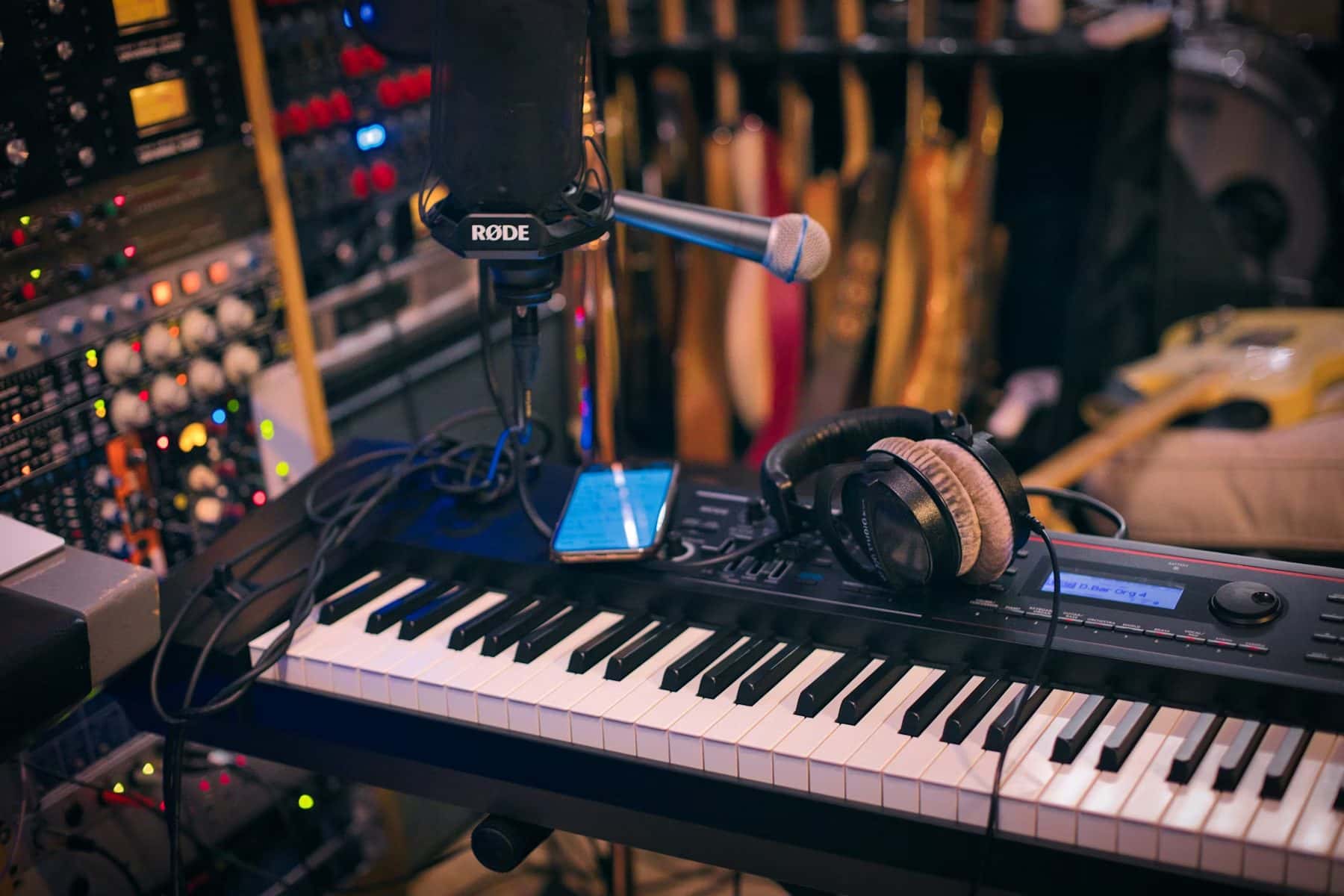
Choose the input devices in the room and Silo Cast records each one through Core Audio to its own 44.1 kHz mono track. The waveform you see is drawn from the audio actually saved, and a mic that drops out mid-take leaves a track marked partial instead of a gap you find later.
Read the episode,
then cut it.
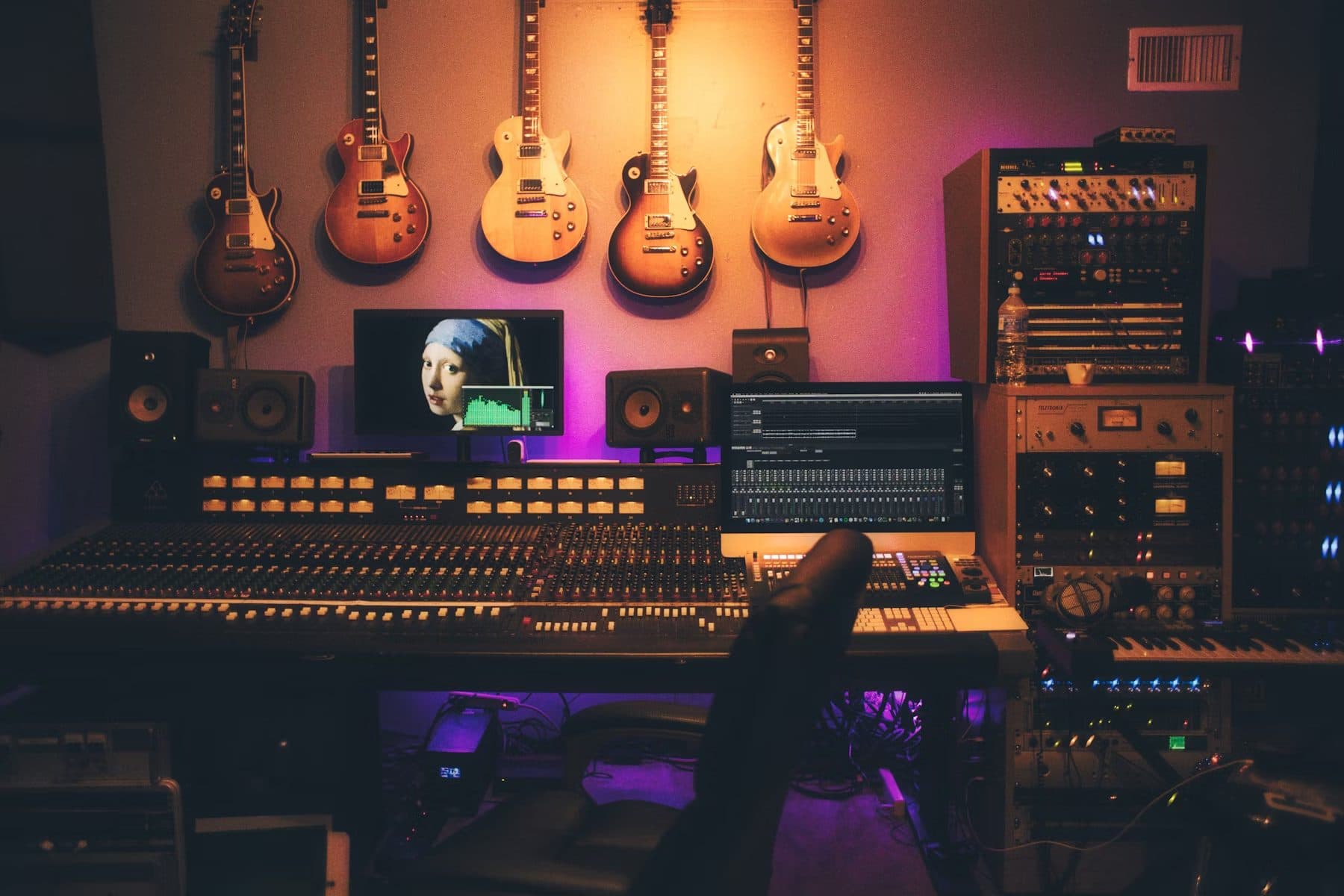
Transcribe on your Mac, fix names and wording, then tick the lines you want gone and hear the real join across every track. Your cut list is pinned to the transcript revision you reviewed. Render writes a new edited M4A and a JSON edit list; the original recordings stay as they were.

One folder,
nothing half-written.
One publish action writes a WAV or M4A mixdown, chapters, SRT and VTT captions, show notes, a release checklist and a SHA-256 manifest into a new folder you choose. It appears only once every file is written and never overwrites an earlier folder. Nothing is uploaded or published for you.
One session, end to end.
One track per mic.
Select several input devices at once (USB mics, an audio interface, a headset) and each records its own 44.1 kHz mono track, with a waveform drawn from the samples actually saved. A multi-channel interface is mixed down into its one device track.
A dropped mic keeps its audio.
If a mic is unplugged or changes format mid-take, recording stops and the audio it already captured is kept as a track marked partial, instead of being thrown away or saved as a complete take.
Transcribed on your Mac.
Transcribe each track with Apple's on-device speech engine, or with an optional on-device speech model of about 1 GB that downloads only after you agree. Search every saved transcript from the library.
Source-preserving transcript edits.
Fix speaker names and wording in place and save that text revision. Transcript edits do not alter, cut, or replace the recorded source audio.
Cut from the transcript.
Tick the lines you want gone, nudge the source-time handles, give each cut a reason, and preview the real join across every track. Change a line afterwards and preview and render wait until you reconfirm the cuts.
A new edited M4A.
Render writes a new M4A with every track aligned and short crossfades, beside a JSON edit decision list carrying source and output SHA-256 hashes. The original recordings stay as they were.
Punch in a flubbed line.
Open a voice you made in Silo Clone (coming soon, macOS 26), type the corrected English words, and audition the take Silo Cast speaks on your Mac before you accept or discard it. The 408 MB voice model downloads only after you approve it, and takes carry no watermark.
One publish folder.
Write a WAV or M4A mixdown, chapters, SRT and VTT captions, show notes, a release checklist and a SHA-256 manifest. The folder appears only when every file is written and never overwrites an existing one.
Audiogram clips.
Turn a stretch of the episode, up to three minutes, into a short video of its waveform, your episode artwork and the speaker's name, with the reviewed transcript lines on screen.
Concrete claims,
no asterisks.
Pay once. Keep every episode.
one-time purchaseSilo Cast is one purchase. Recording, transcription, cuts, renders and publish folders run on your Mac, so there is no per-minute transcription fee, no seat and no upload quota. If you turn on the optional cloud writer, your own provider bills you for it directly; Silo never does. Buy once, keep the tape.
Download on the Mac App StorePlain English, on file.
Questions.
Yes. One publish action writes a WAV or M4A mixdown, chapters, SRT and VTT captions, show notes, a release checklist and a SHA-256 manifest into a new folder, with chapter markers linked back to transcript time.
Silo Cast is a multitrack podcast recorder for Mac. It records every microphone on its own track, transcribes on your Mac, lets you cut the episode by ticking transcript lines and rendering a new edited M4A, and writes chapters, show notes, audiogram clips and a publish folder.
Not by default. Recording, transcription, cuts, renders and publishing stay on your Mac, and your audio is never sent. The one exception is opt-in: if you add your own cloud AI key in Settings, the episode title and transcript text go directly from your Mac to the provider you chose to draft show notes. Silo receives nothing.
Descript and Riverside use cloud workflows and subscriptions. Silo Cast keeps multitrack recording, transcription, transcript-based cuts and show-note drafting on your Mac for a one-time purchase. It is not a remote recording or hosting service.
No. Correcting speaker labels and wording does not alter, cut, or replace the source audio. Cutting is a deliberate step: tick transcript lines, review each cut, and render a new M4A beside a JSON edit list while the original recordings stay as they were.
No. Silo Clone (coming soon, macOS 26) makes personal voices. Silo Cast opens the .silovoice file Silo Clone exports and uses it to punch in a corrected English line, which you audition before you accept it.
Silo Cast is a one-time $19.99 purchase on the Mac App Store, with no subscription and no per-episode fees.
Every mic on its own track.
Silo Cast is a one-time $19.99 purchase on the Mac App Store. No subscription and no account. Record, cut and publish on your Apple Silicon Mac; your audio never leaves it.
More on-device tools for recorded speech.
3 related apps- View on the App Storemeetings · $14.99Silo Meet
Decisions and owners from calls no bot joins.
- View on the App Storetranscribe · $14.99Silo Transcribe
Lectures and interviews, transcribed on your Mac and ready to study.
- Download on the Mac App Storeclinical · $29.99Silo Scribe
On-device SOAP & therapy notes.